Technical Guides
How to strengthen the Wi-Fi signal of NovaStar T30
The T30's Wi-Fi signal is too weak to reach inside the client's building. This guide explains why ViPlex and NovaLCT cannot discover the controller through an EnGenius radio, and how to fix it.
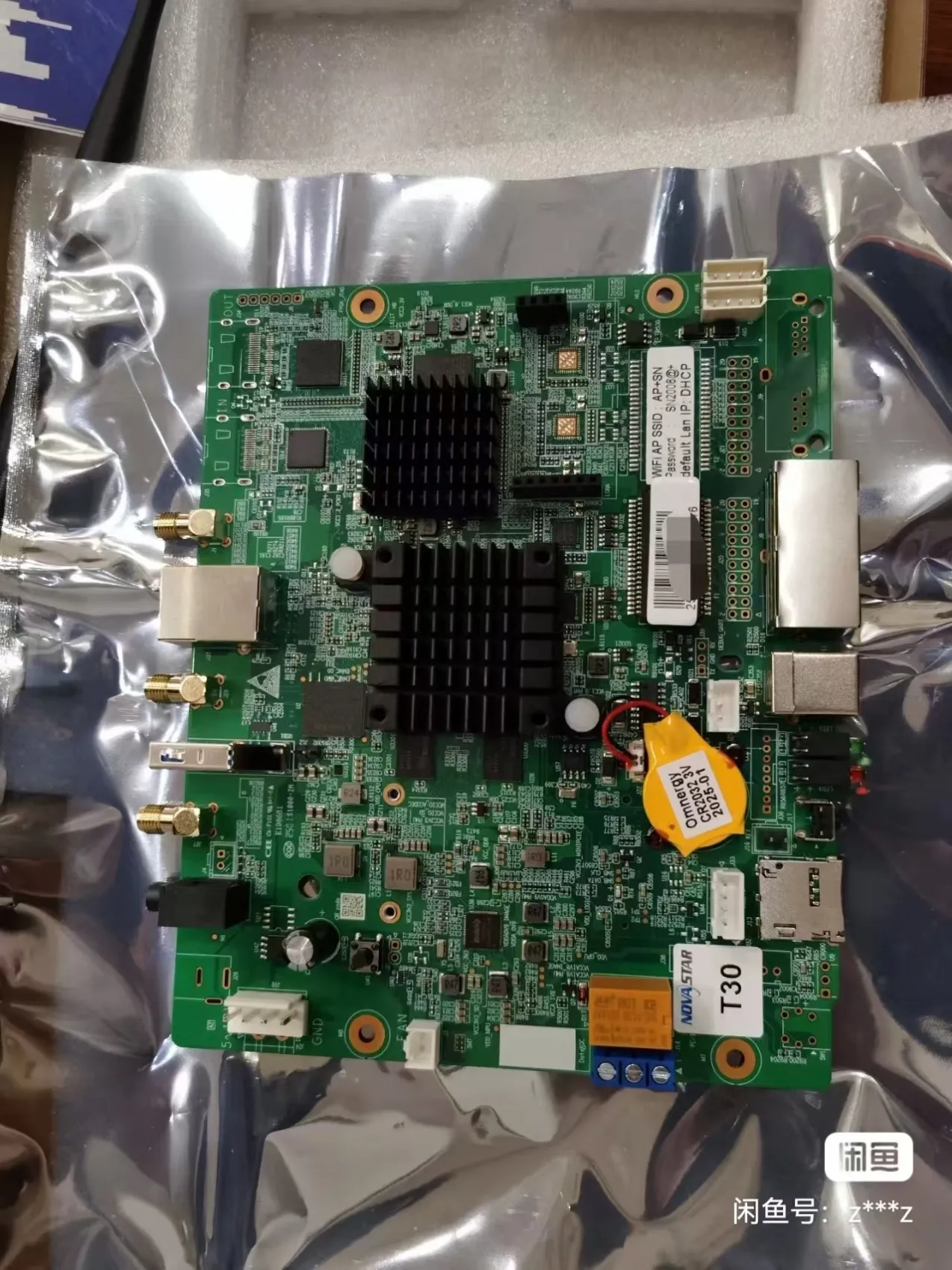
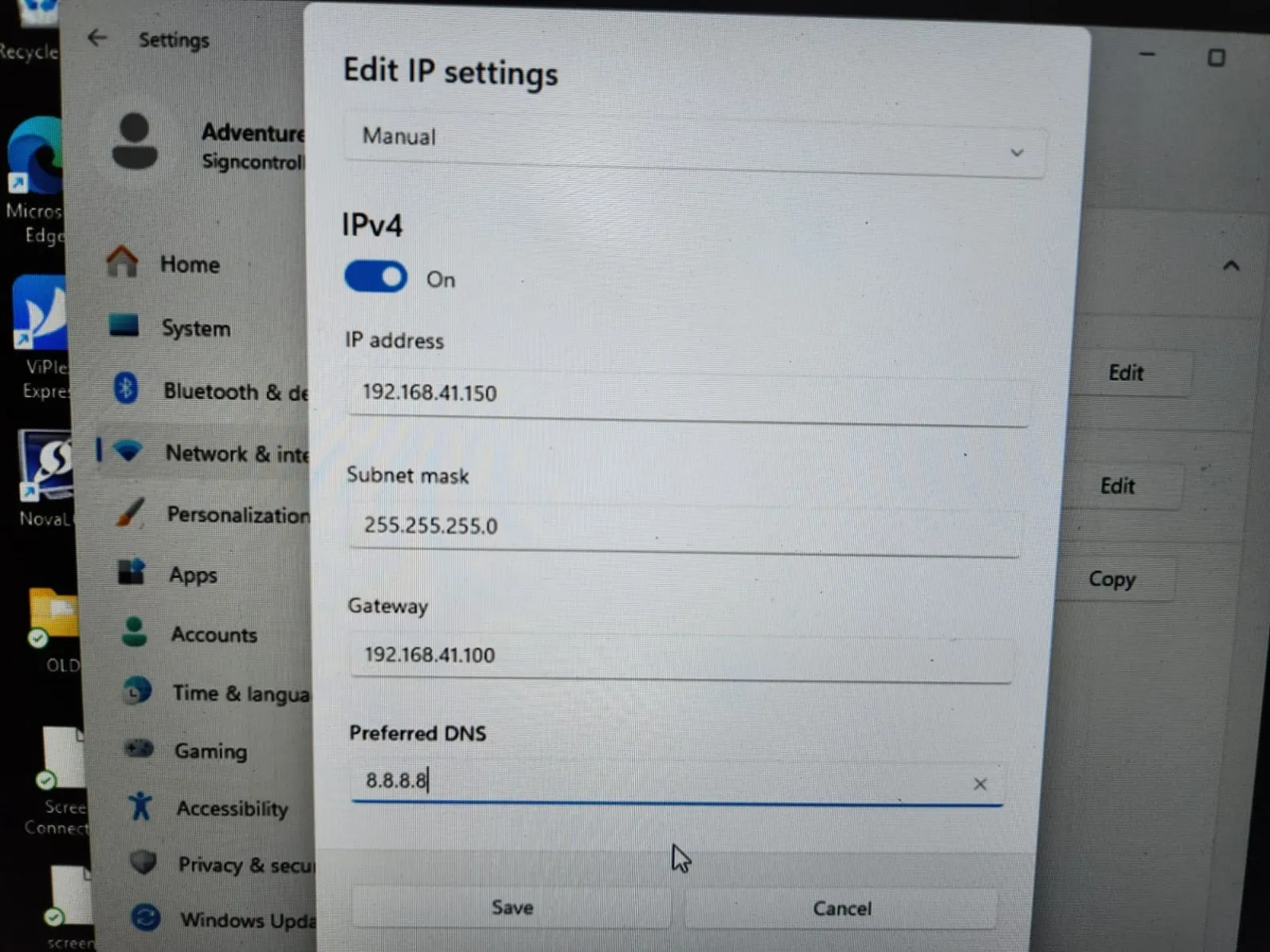
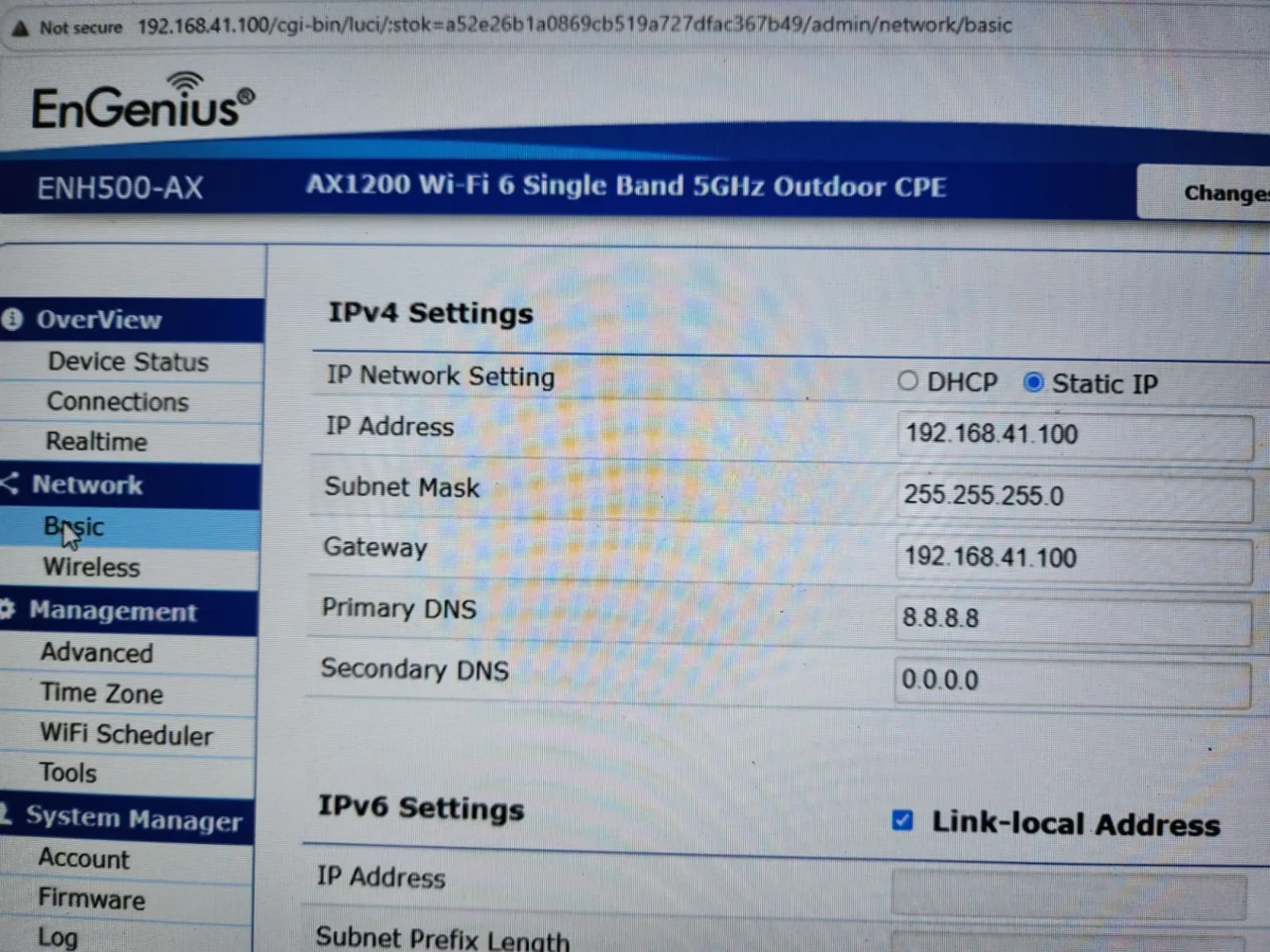
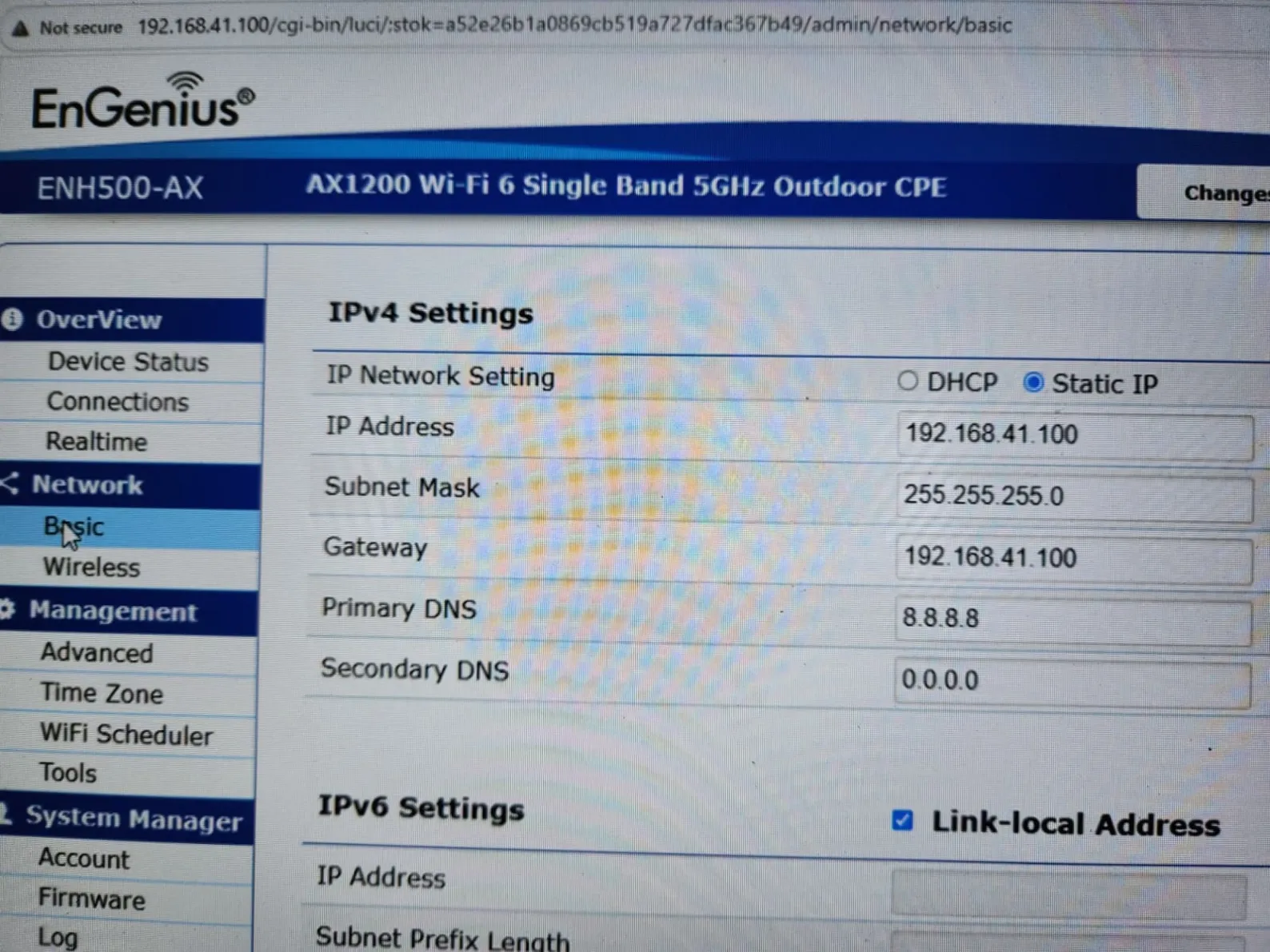
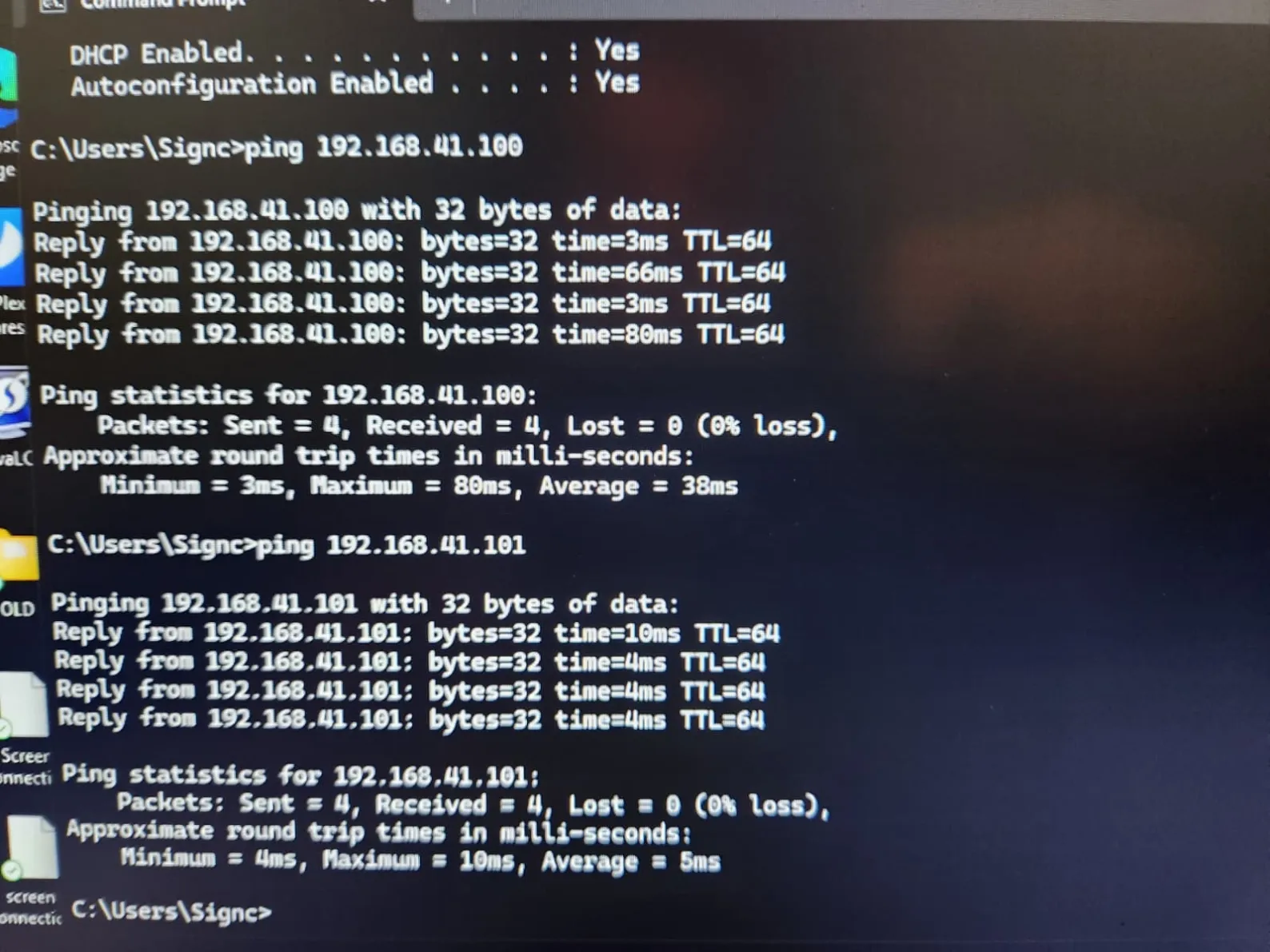
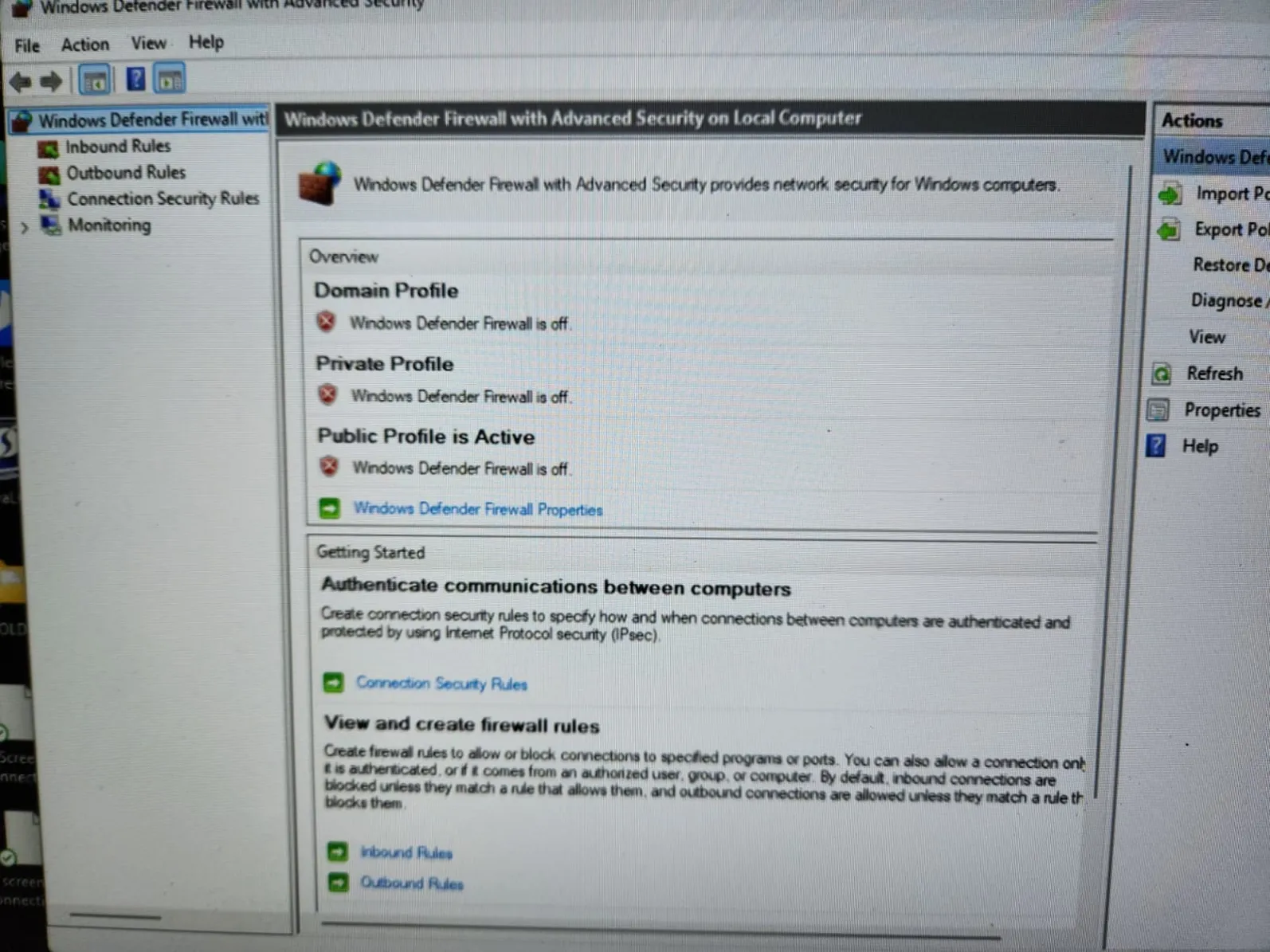
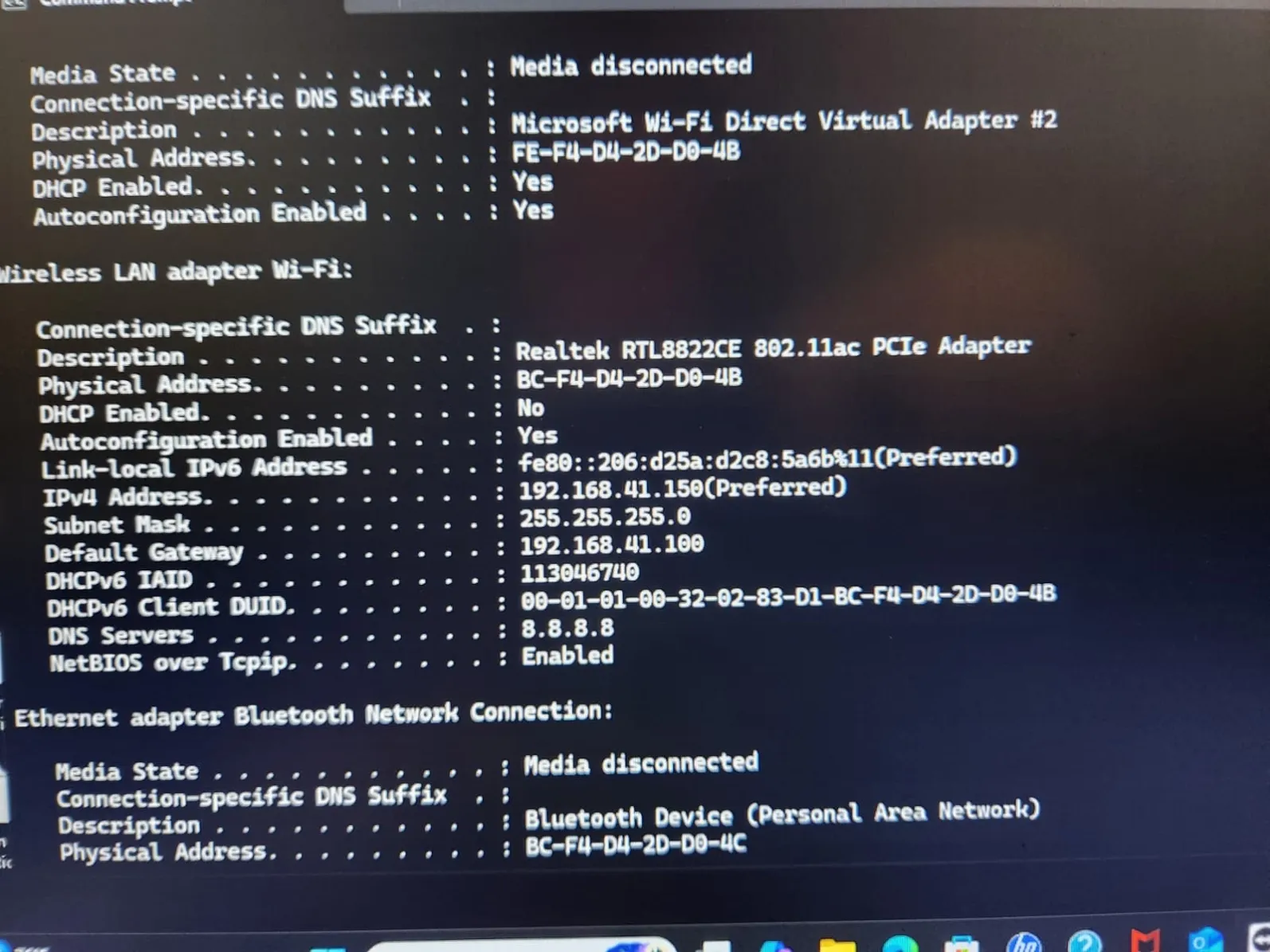
Customer: Hi Judy, Jack asked me to send you some screenshots from a job I'm working on. I can connect directly to the wifi being broadcast from the T30, but the signal isn't strong enough to reach inside the client's building, so we opted to use an EnGenius WiFi radio to increase range. When I connect to the EnGenius wifi, I can ping the hard-coded IP address that I set for the T30 wired interface, but I can't even "see" the controller in ViPlex Express nor NovaLCT. I thought it might be Windows firewall, so I turned all of them off, but that didn't help. Can you explain why or tell me where I might have a wrong setting applied? Thank you in advance.
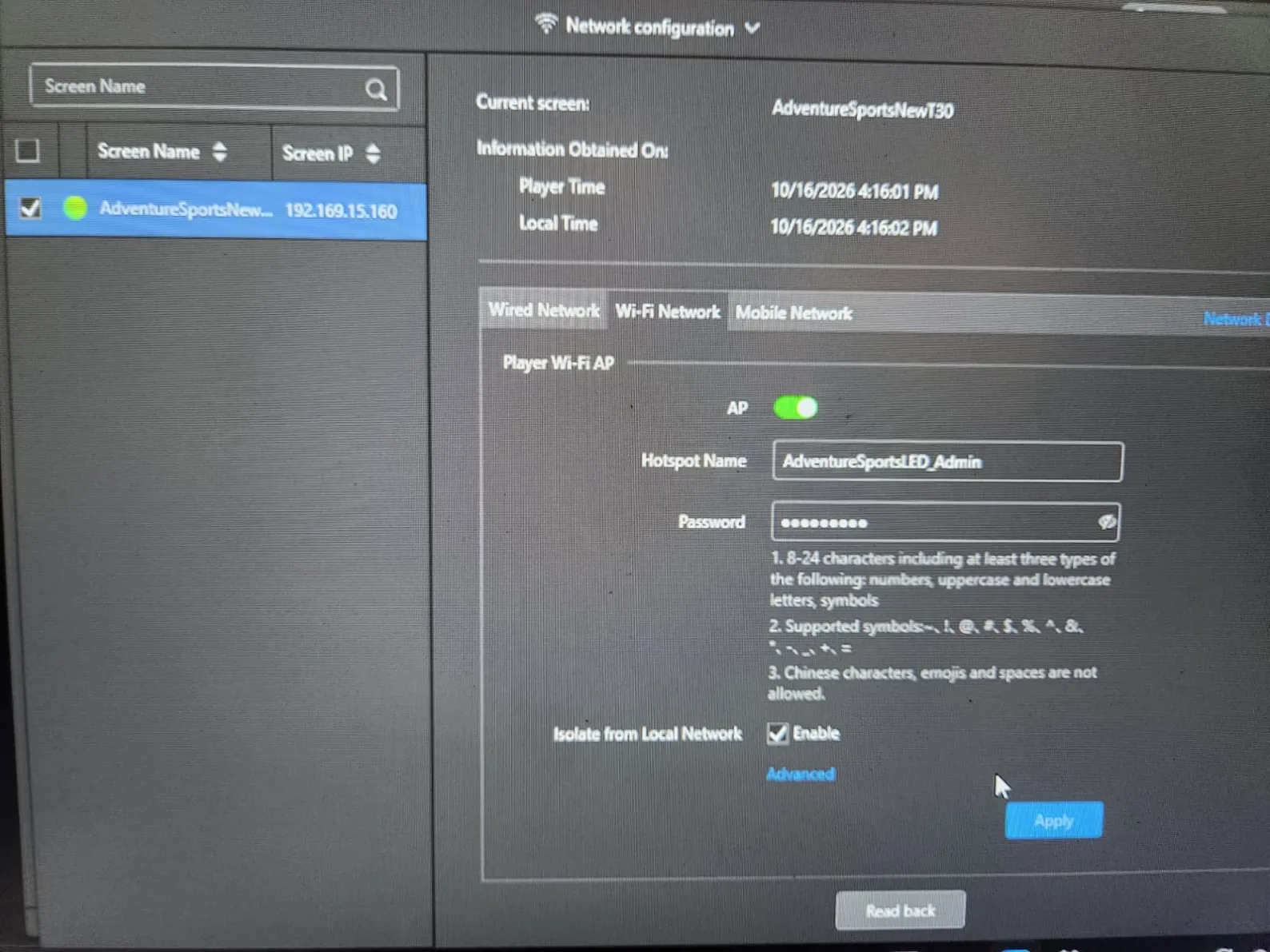
Let me break down the likely causes for your issue:
You can ping the T30’s wired static IP through the EnGenius radio, but ViPlex Express / NovaLCT cannot discover the controller. This is almost always a multicast/ broadcast discovery problem, not basic IP connectivity (ping works = layer 3 routing is okay).
ViPlex and NovaLCT rely on UDP broadcast packets to scan and find T30 controllers on the local network. EnGenius wireless access points often block broadcast/multicast traffic by default to reduce wireless overhead. Ping uses unicast IP packets, which still pass through normally.
Things to check in order:
EnGenius AP settings
Disable AP Isolation (Client Isolation). This prevents wireless clients from talking to wired devices on the LAN.
Look for options like Multicast Filtering, Broadcast Storm Control, IGMP Snooping. Try turning these off temporarily for testing.
Confirm the EnGenius radio and T30 wired port are on the same subnet. Even if ping works, some segmented VLAN setups block broadcast discovery.
PC network adapter IP
Make sure your PC’s Wi-Fi IP from EnGenius is in the same subnet as T30’s hard-coded wired IP. If they are different subnets, broadcast discovery will fail (unicast ping may still work with routing).
Software network selection
In ViPlex Express / NovaLCT, manually check which network interface the software is using. If your PC has multiple adapters (Ethernet + Wi‑Fi), the software may be scanning the wrong interface.
T30 network settings
Confirm T30 does not have a firewall or access control list enabled that blocks discovery UDP ports.
Quick test: After verifying same subnet, try manually entering the T30 IP inside NovaLCT/ViPlex instead of relying on automatic discovery. If manual connection works, the root cause is definitely broadcast blocking on the EnGenius radio.
Let me know how it goes.
Customer:What if manual connection does NOT work? Even if I supply the IP address manually in ViPlex/NovaLCT, neither program will even acknowledge that the sign exists on the network. I'm not sure how to manually tell either program which network interface to use. How do I do that?
Me:Hi Andy, please follow these steps:
Same subnet is mandatory: Your PC’s network adapter and NovaStar T30 must be in the same IP segment. Even if you manually input the IP, the software cannot detect the T30 if subnets differ.
Select network interface in ViPlex:
Open ViPlex, go to settings / network option, choose the correct wired network card (the one connected to T30). NovaLCT has a similar network adapter selection dropdown.
Firewall & VPN: Temporarily turn off Windows Firewall and disable any VPN. Firewall often blocks ViPlex / NovaLCT network discovery.
Simple test: Use ping [T30 IP] in Windows CMD. If ping fails, it is a network issue instead of software problem.
Customer:Client is able to connect directly to T30 wifi, but signal just barely reaches his building, so he has to walk outside with his laptop. That is his current work-around. Do you think just using a different external higher gain antenna connected to the T30's antenna port would be better than trying to use the ethernet port and external EnGenius wifi radio?
Me:Understand his situation. Both solutions have pros and cons, here is our recommendation:
A higher-gain external antenna for the T30 is simpler and lower cost. It can boost the WiFi signal coverage directly from the T30.
But there are limitations:
The T30’s built-in WiFi module has a fixed transmit power. Even with a high-gain antenna, the improvement has an upper limit.
High-gain antennas are usually directional. He needs to aim it properly toward his building; otherwise the effect will be poor.
It only improves WiFi for laptop-to-T30 connection, no extra functions.
The EnGenius external WiFi radio via Ethernet is a more reliable and scalable option:
Separate powerful WiFi access point, much stronger transmit/receive capability than the T30 onboard WiFi.
Place the EnGenius AP at a better position (closer to his building, higher mounting point) while keeping T30 near the LED screen via Ethernet cable.
Less signal attenuation and more stable long-distance connection.
Suggestion:
If the distance is just slightly too far and he wants a cheap quick fix → try high-gain antenna first.
If stable connection is critical and he wants to avoid weak signal dropouts → EnGenius Ethernet-connected WiFi radio is the better long-term solution.
If he chooses the antenna route, please note the antenna impedance and connector type must match the T30, otherwise it may damage the module.
trying to use the ethernet port and external EnGenius wifi radio is better.